Team and rolesthe way your team works.
Buyers, team leads, affiliate managers, finance and HR share one CRM. Each of them sees and changes what their work needs, and nothing more.
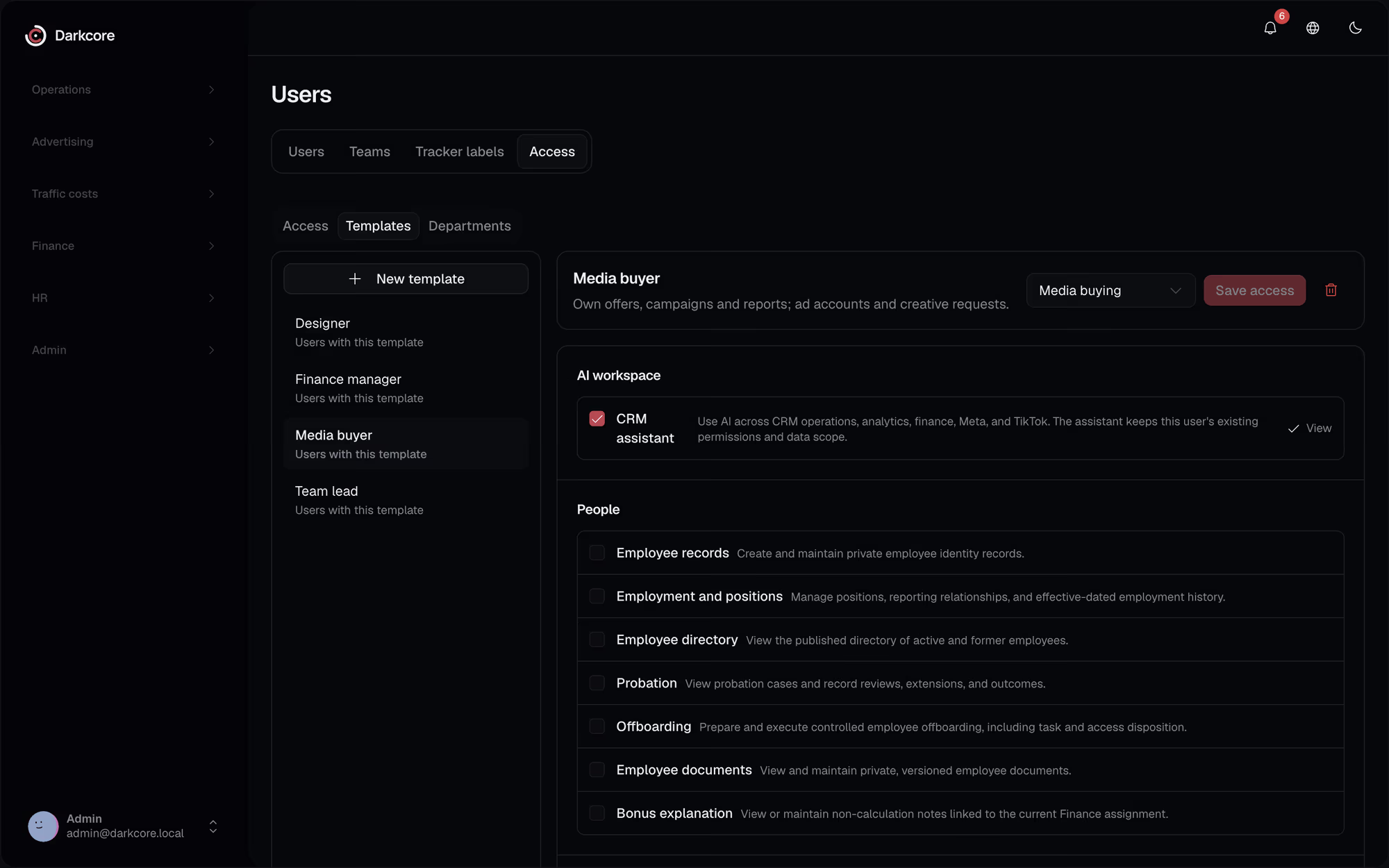
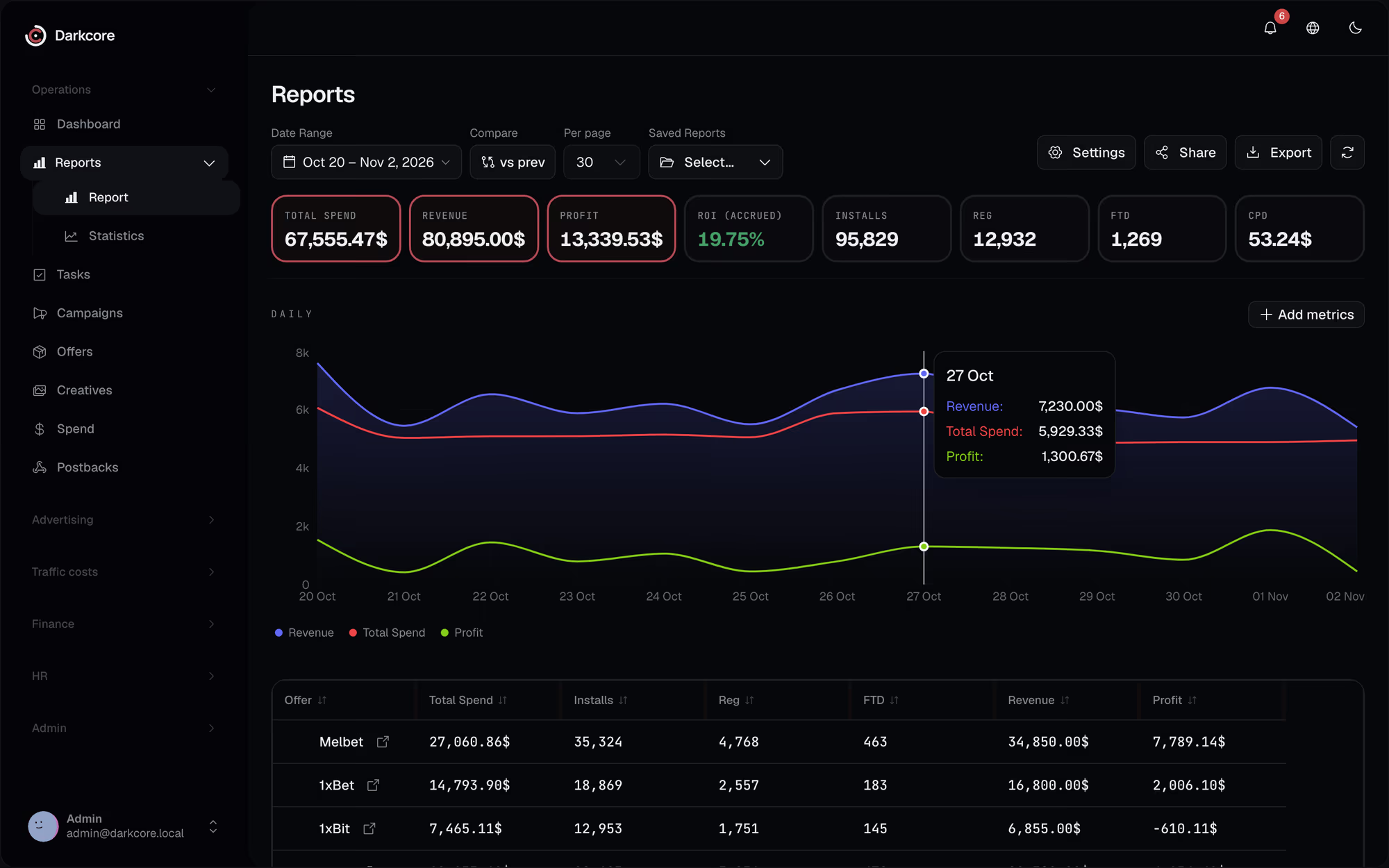
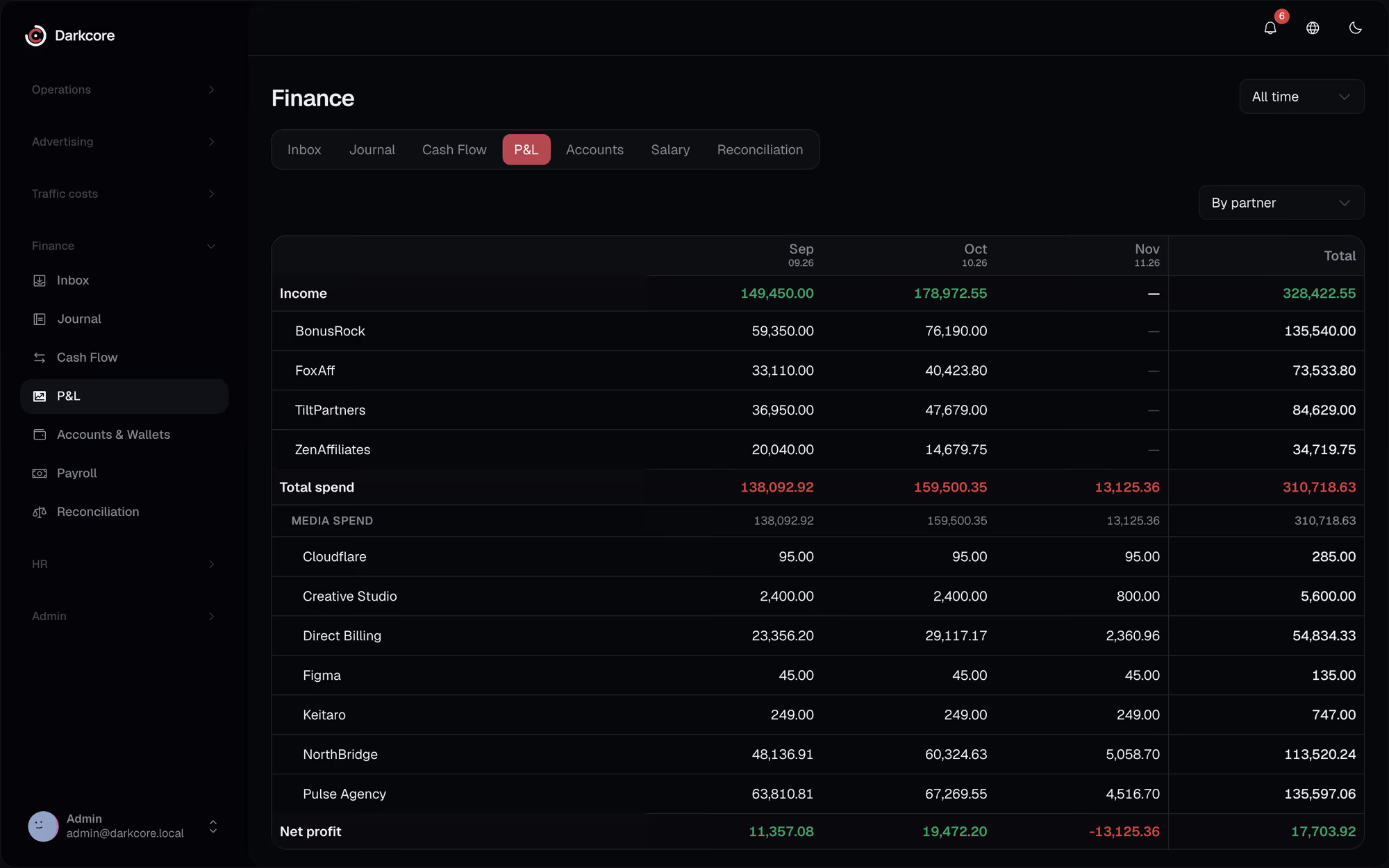
Either everyone sees everyone's profit, or the lead exports reports by hand for each buyer.Here a buyer sees their own numbers, a lead the team's, finance the money.
Access in plain terms.Set once, by role.
Four actions, three scopes
View, create, edit and delete, each for own data, the team's or all of it, set for every part of the CRM.
Role defaults, personal overrides
Give a role its defaults, then change them for one person without making a new role.
Fields and denials
Hide a single field from a role. A deny always wins over an allow, so an exception stays an exception.
Teams and buyers
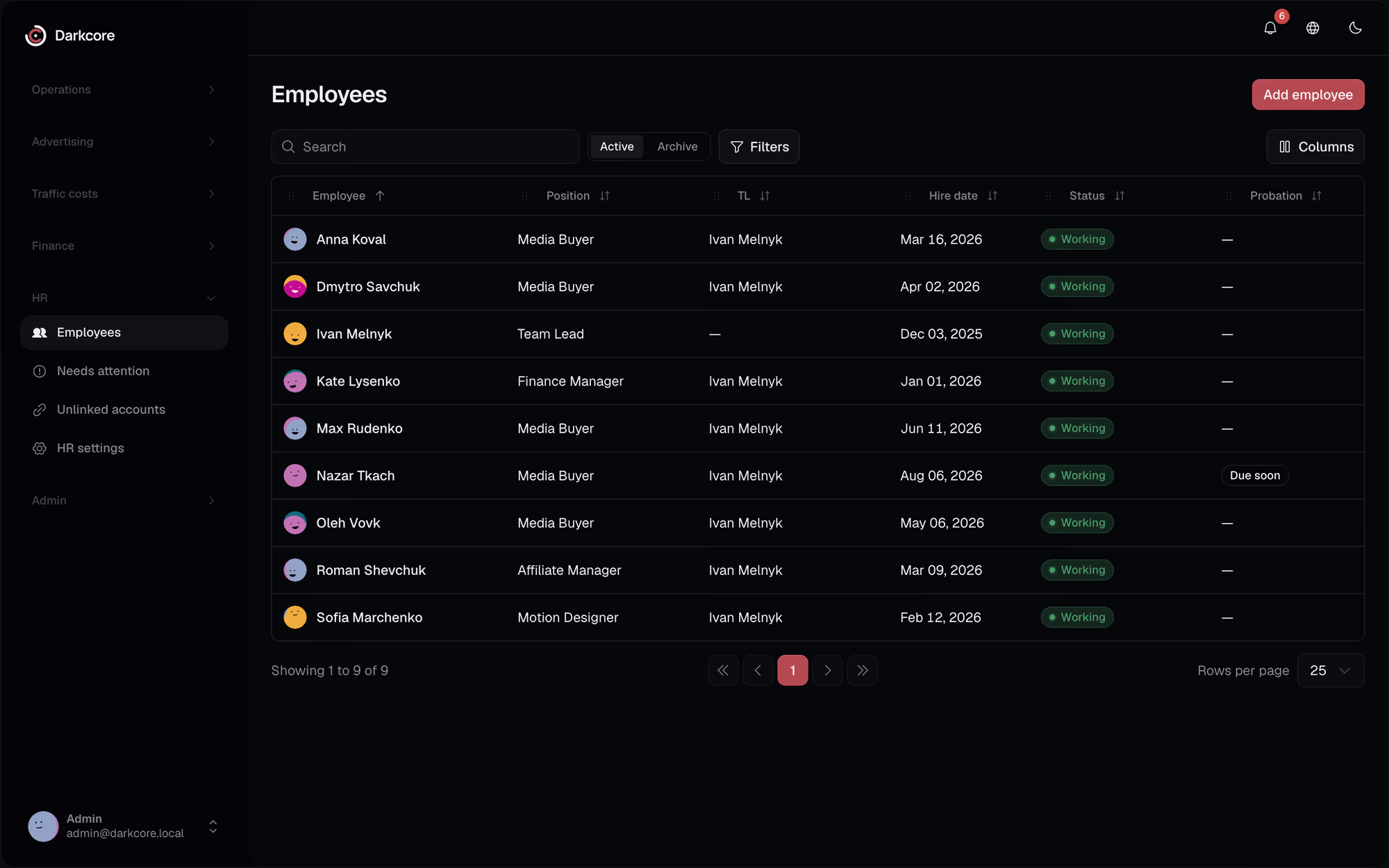
Teams with their members, buyers mapped to the labels they use in the tracker, so numbers land on the right person.
Questionsabout this feature.
Can a buyer see other buyers' profit?
Only if their role allows team or all. By default a new user can see nothing until a role gives it.
Can one person get an exception?
Yes. Override the role for that user, allow or deny, without touching anyone else.
Who changed what?
Administrators have an audit log of changes in the CRM.
See it on your own numbers.
Write to us in Telegram. We will show the CRM on the way your team buys traffic.