Metaand DarkCore CRM.
Buyers connect their own ad accounts with one link. The CRM takes the spend, watches the accounts and acts on campaigns when a rule or a person asks.
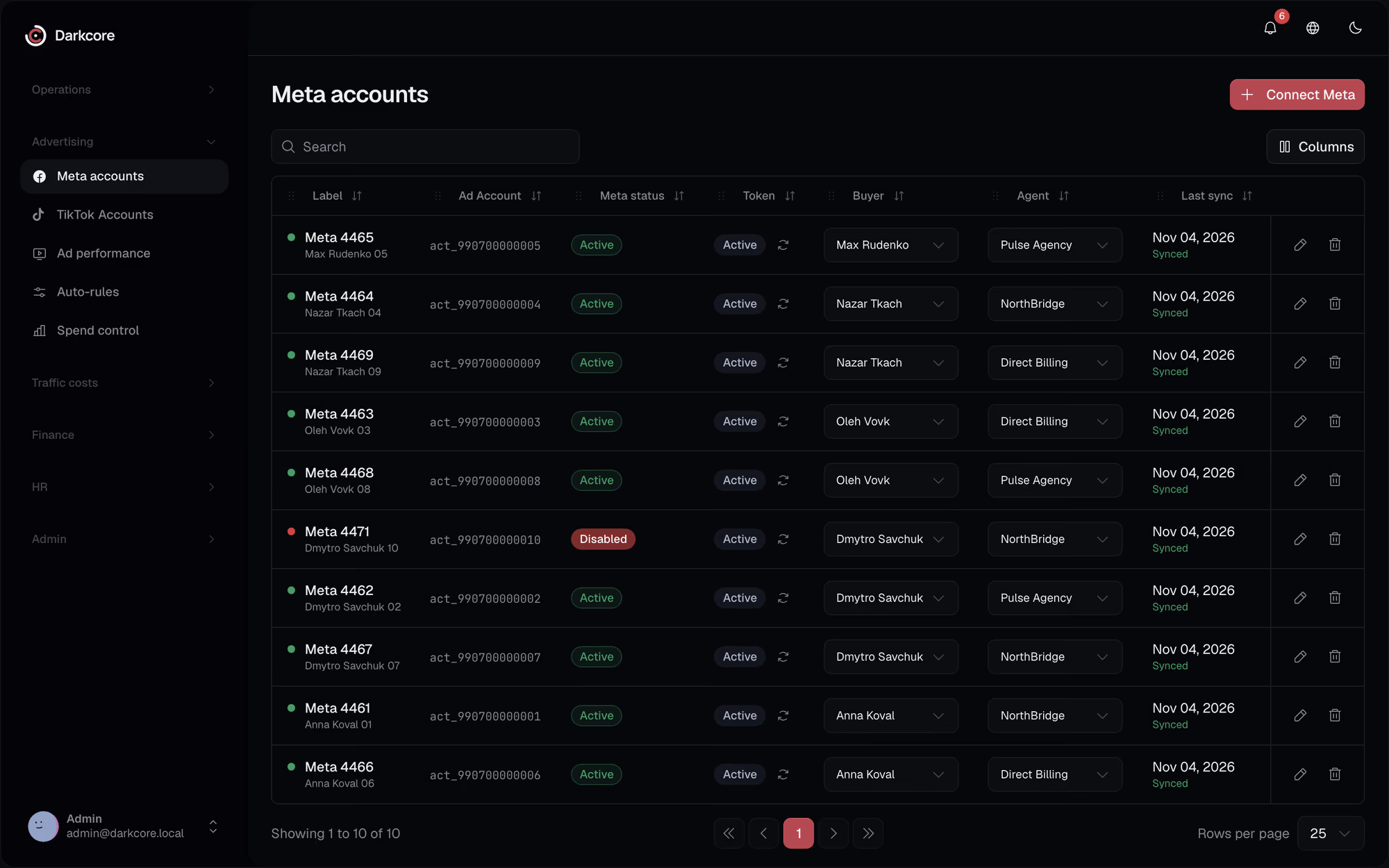
What comes in.Spend and structure.
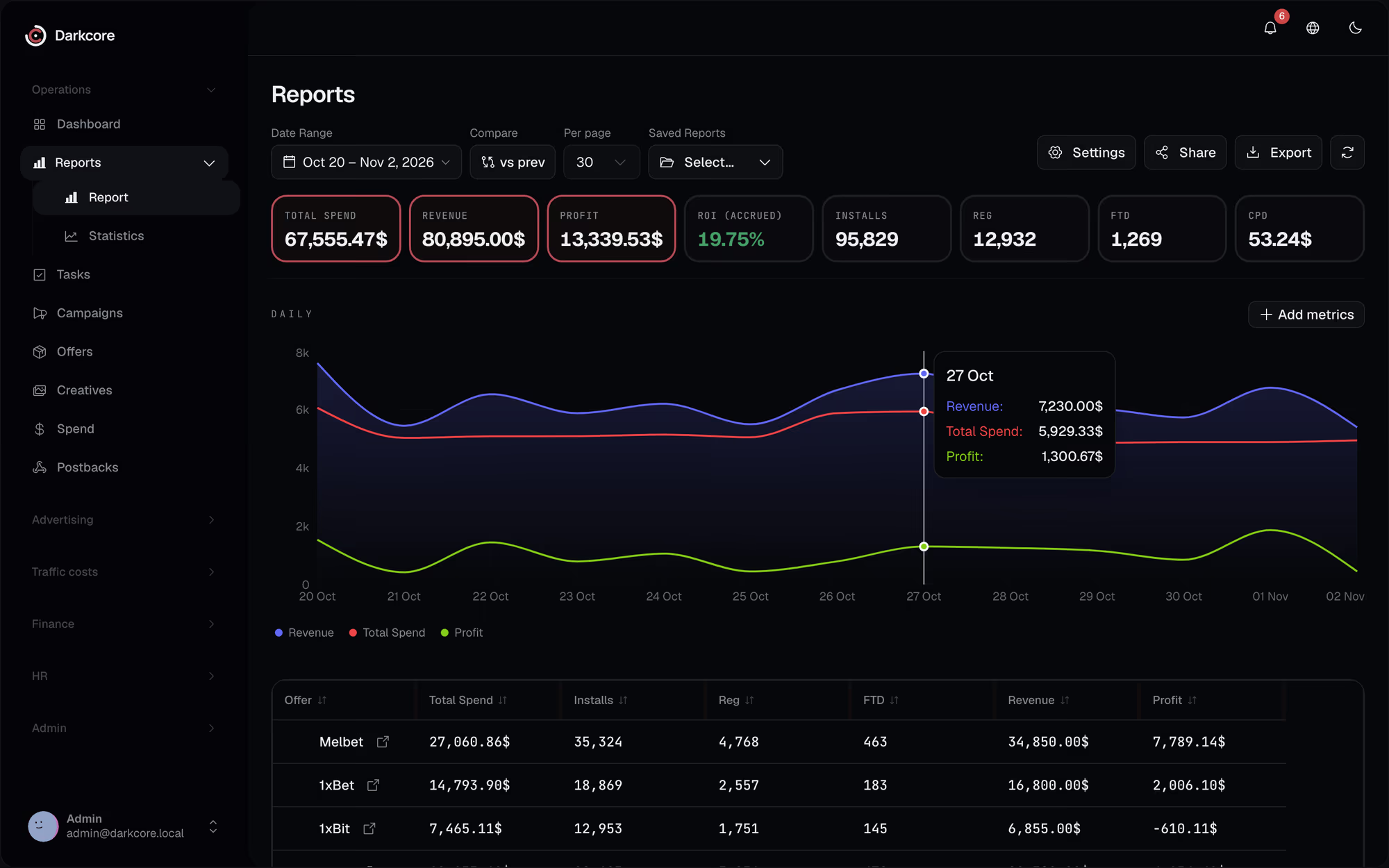
Spend and results
Daily spend, impressions, clicks and actions per ad, read again for the last 28 days every morning.
Structure
Campaigns, ad sets, ads and their status every 6 hours.
Account health
Tokens are checked daily. A disabled account or a dead token becomes a task.
Creatives
Creatives of the ads are mirrored into the CRM after each structure sync.
What the CRM can do on Meta.
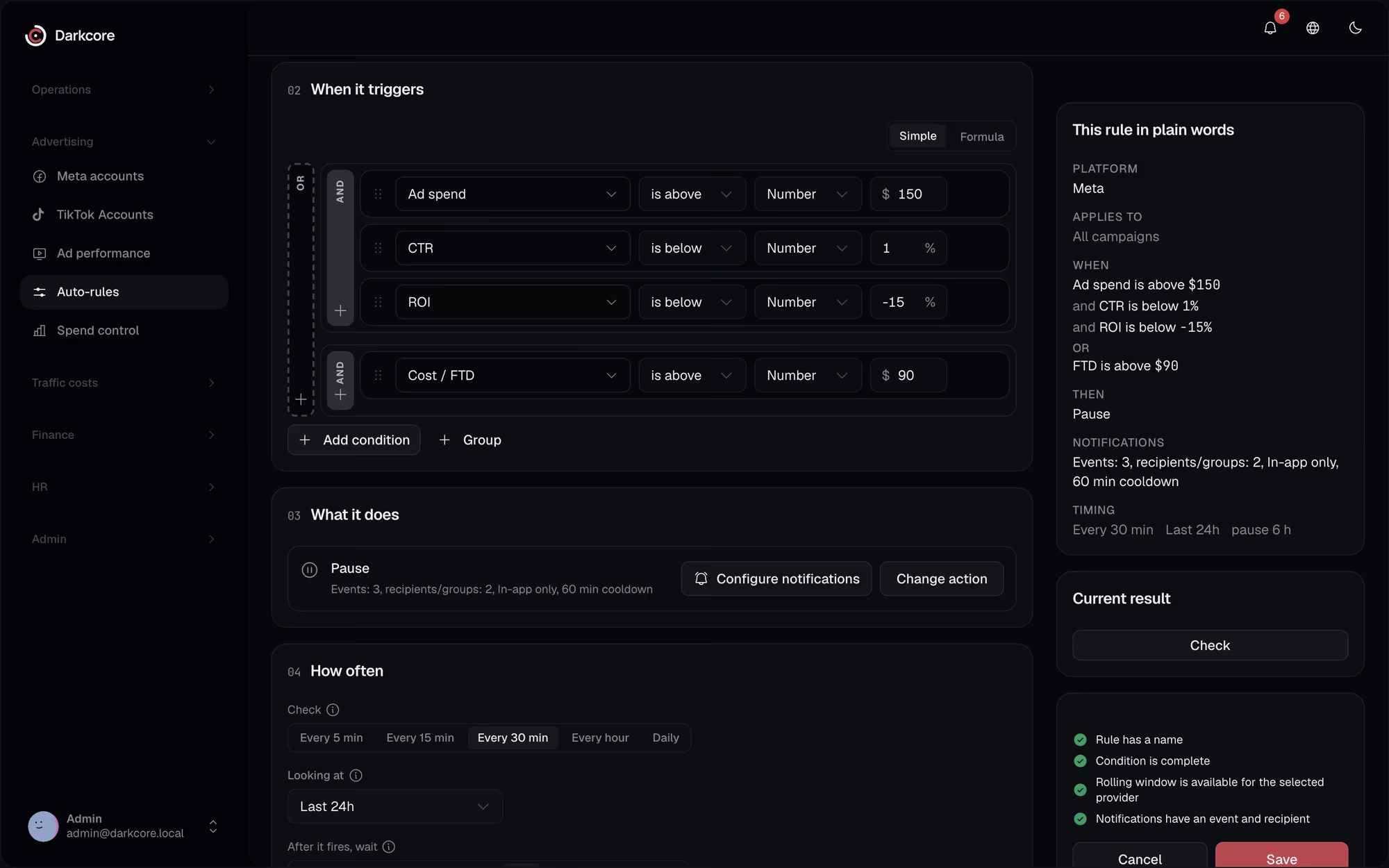
Pause, activate, set a daily or lifetime budget, duplicate (the copies start paused), by hand or by an auto-rule. Every action is written to a log.
How to connect
- 1
Send an invite
An admin creates a connect link for a buyer and their agent.
- 2
Log in with Facebook
The buyer opens the link, logs in and picks the ad accounts and Pages to connect.
- 3
Match the spend
Choose the sub that carries the Meta campaign, ad set or ad in your tracker links.
Questionsabout this integration.
Do buyers have to share their Facebook password?
No. A buyer logs in with Facebook through a connect link and picks the accounts; a System User token works too.
How fresh is Meta spend?
It is read every morning for the last 28 days, so late corrections from Meta land in reports and P&L.
See it on your own numbers.
Write to us in Telegram. We will show the CRM on the way your team buys traffic.